
How to use Land Owl
Short, step-by-step answers to the things people actually ask us. Every how-to shows whether it works in the web app, the mobile app, or both.
 Map0:16
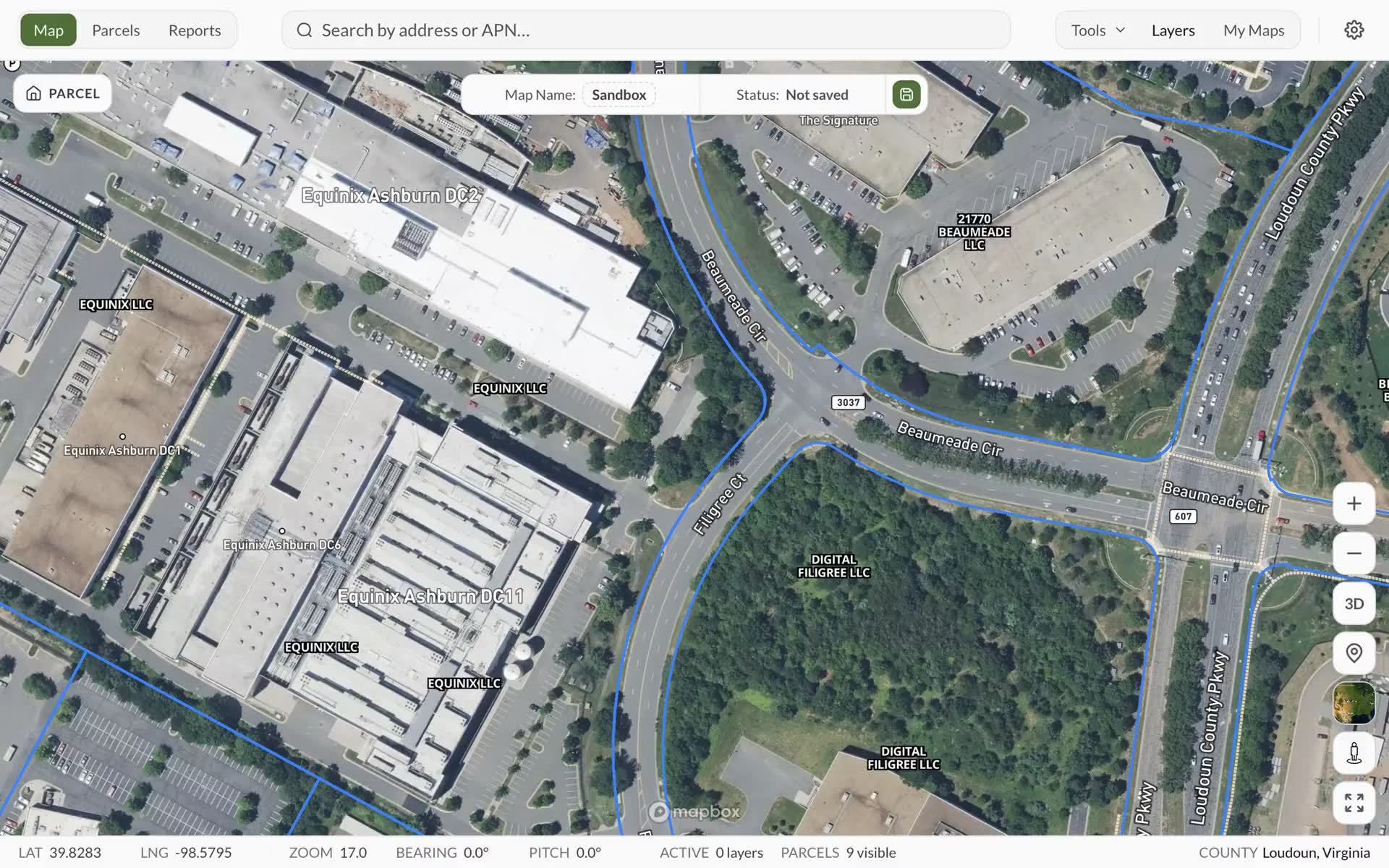
How to turn off owner names
Hide the owner name printed on every parcel so you can see the map underneath.
Web appAvailableMobile appAvailable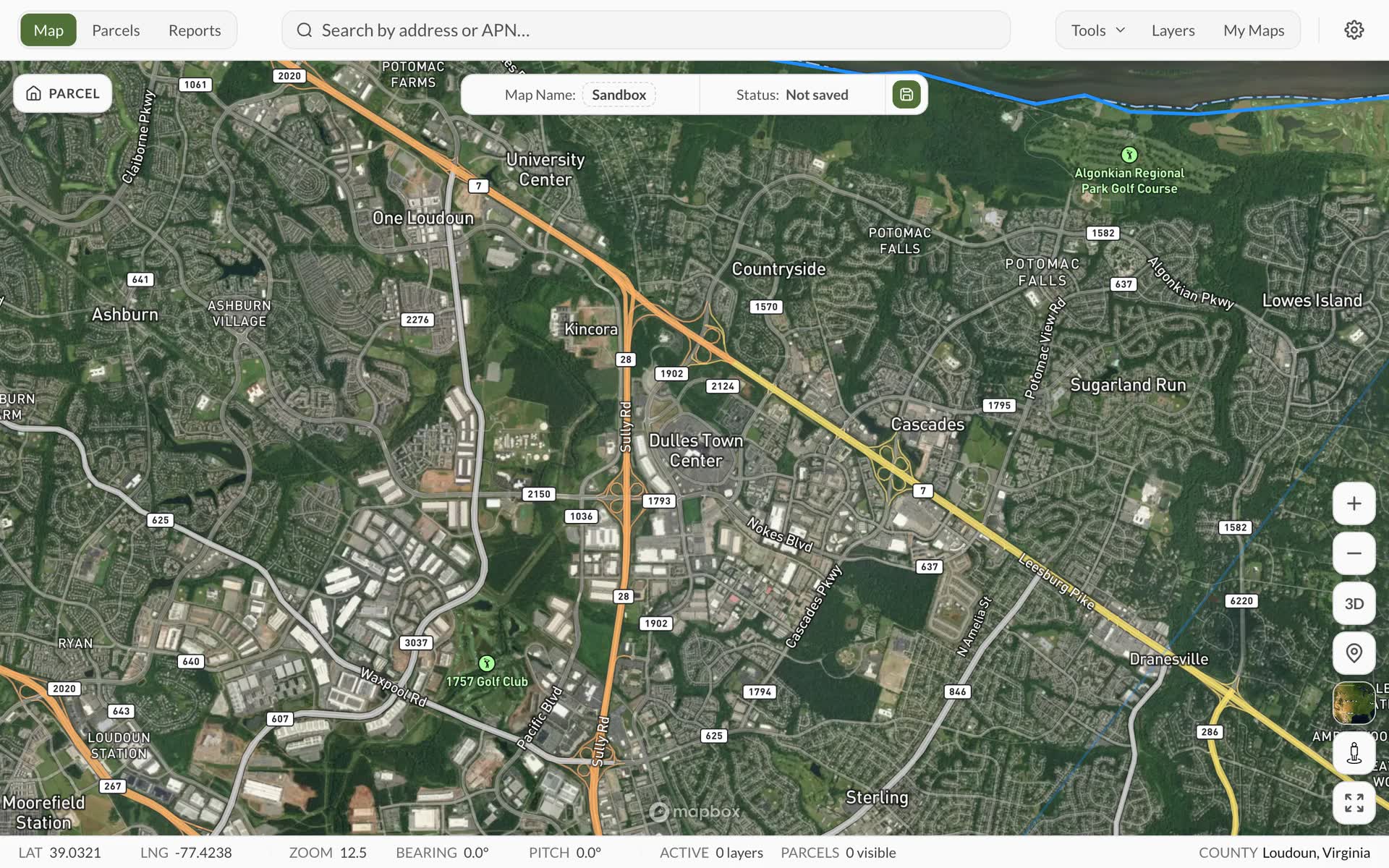 Parcels0:16
How to find a parcel by address or APN
Type an address or parcel number and jump straight to that parcel on the map.
Web appAvailableMobile appAvailable Parcels0:16
How to save a parcel
Keep a parcel in your account so you can find it again, report on it and share it.
Web appAvailableMobile appAvailable Map0:18
How to turn map layers on and off
Show or hide flood zones, wetlands, zoning, soils and every other data layer.
Web appAvailableMobile appAvailable Map0:16
How to switch between satellite and street maps
Change the map underneath your parcels to satellite imagery, streets, outdoors, light or dark.
Web appAvailableMobile appAvailable Map0:35
How to draw and measure on the map
Sketch fences, roads and areas on the map, and measure distances and acreage.
Web appAvailableMobile appAvailable Map0:17
How to open Street View for a location
See Google Street View for any spot on the map or any parcel.
Web appAvailableMobile appAvailable Map0:29
How to get directions to a parcel
Plan a drive, walk or bike route to a parcel, then open it in Google Maps or Apple Maps.
Web appAvailableMobile appNot available yet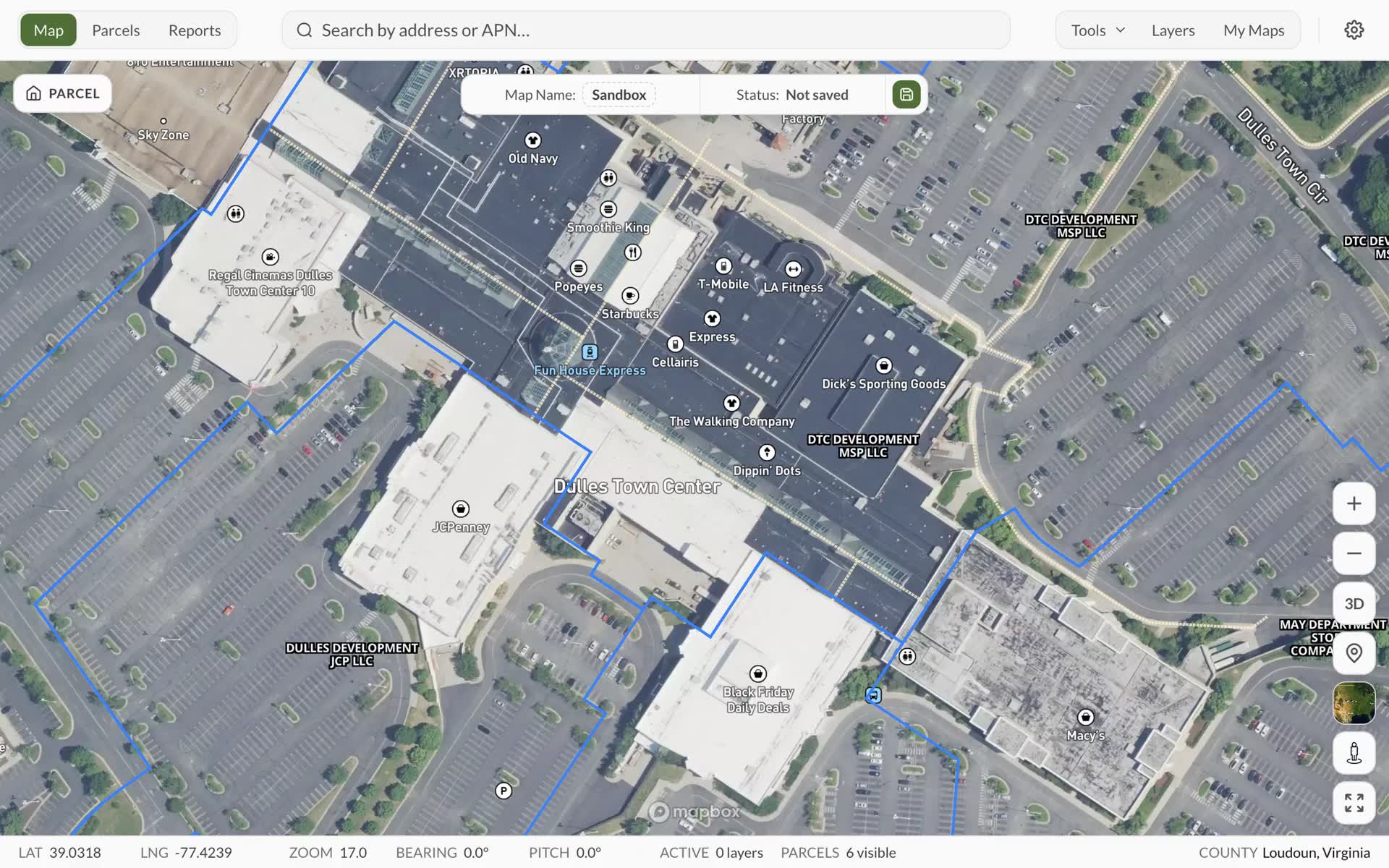 Map0:24
How to save a map and open it again
Save your layers, drawings and view as a named map, and pick it back up later.
Web appAvailableMobile appAvailable Reports0:23
How to generate a parcel report
Create a full report on a parcel that you can read, download and share.
Web appAvailableMobile appAvailable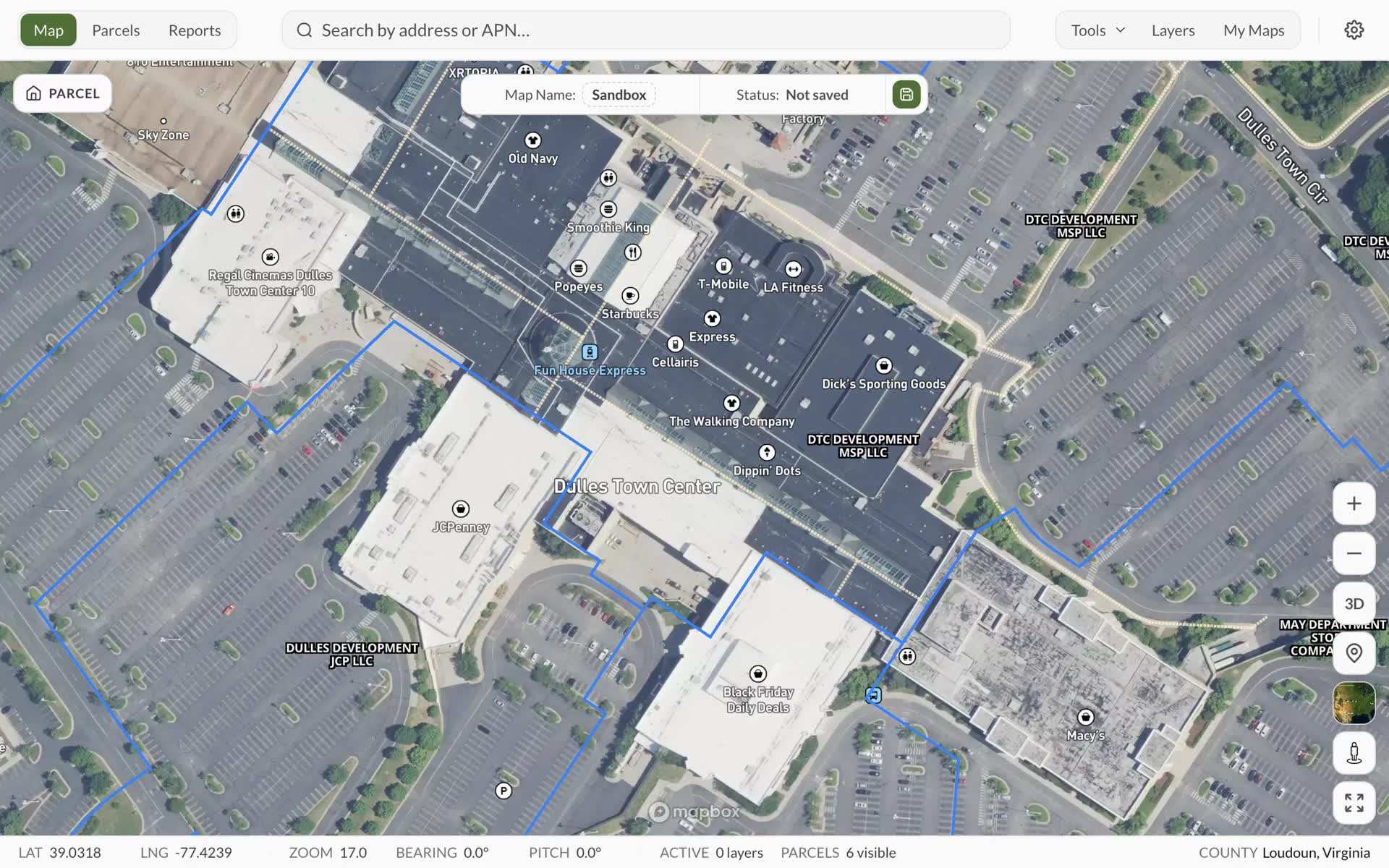 Reports0:22
How to download or share a report
Save a report as a PDF or Word file, or send anyone a link to view it.
Web appAvailableMobile appAvailable Reports0:16
How to delete a report
Remove a report you no longer need, along with its files.
Web appAvailableMobile appAvailable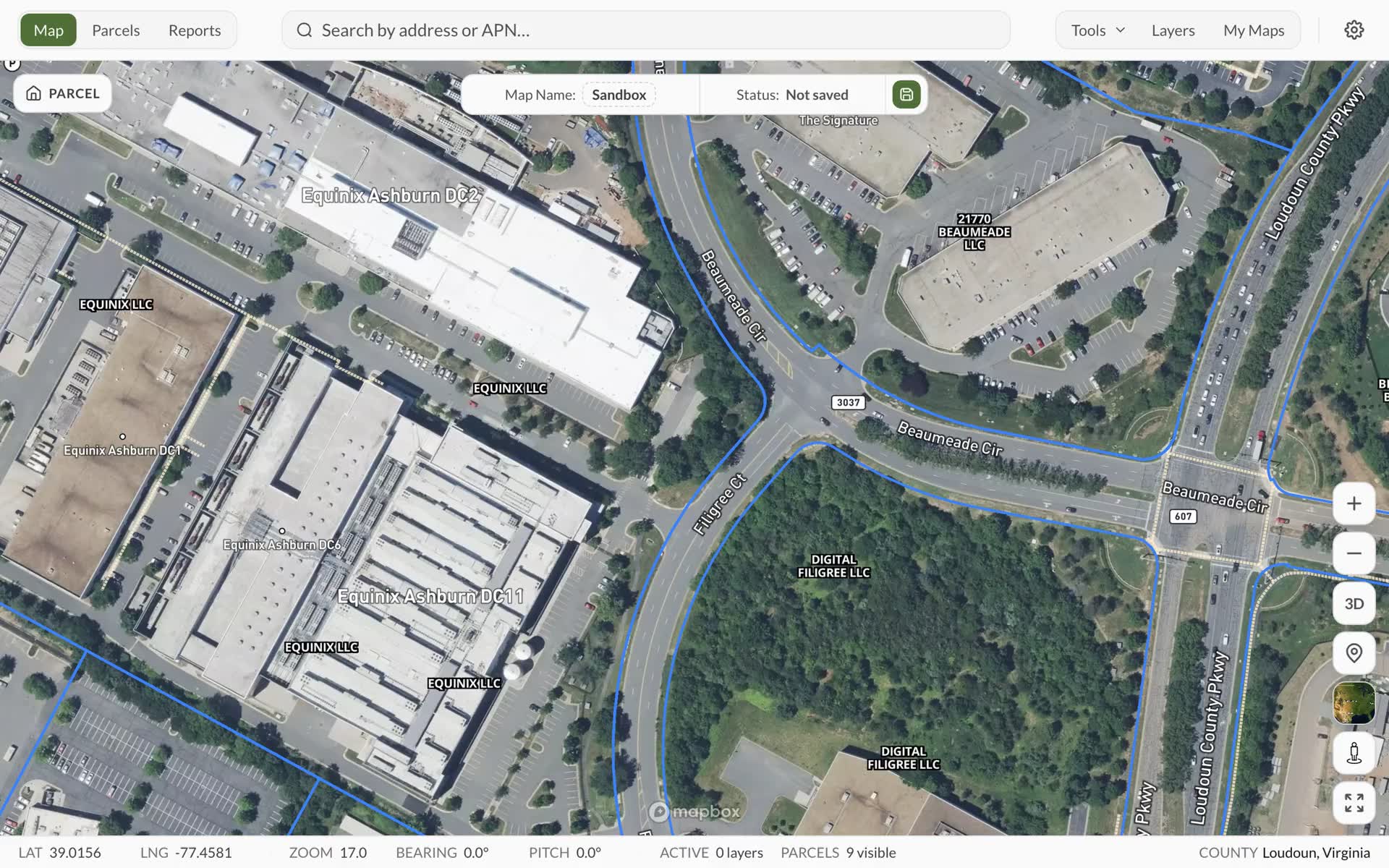 Sharing0:35
How to share a map
Set a map up, save it, then send anyone a link. They do not need a Land Owl account.
Web appAvailableMobile appNot available yet Sharing0:23
How to password-protect a shared map
Make viewers enter a password before a shared map will open.
Web appAvailableMobile appNot available yet Sharing0:31
How to choose what a shared map shows
Pick exactly which layers, parcels and drawings people see on a map you share.
Web appAvailableMobile appNot available yet